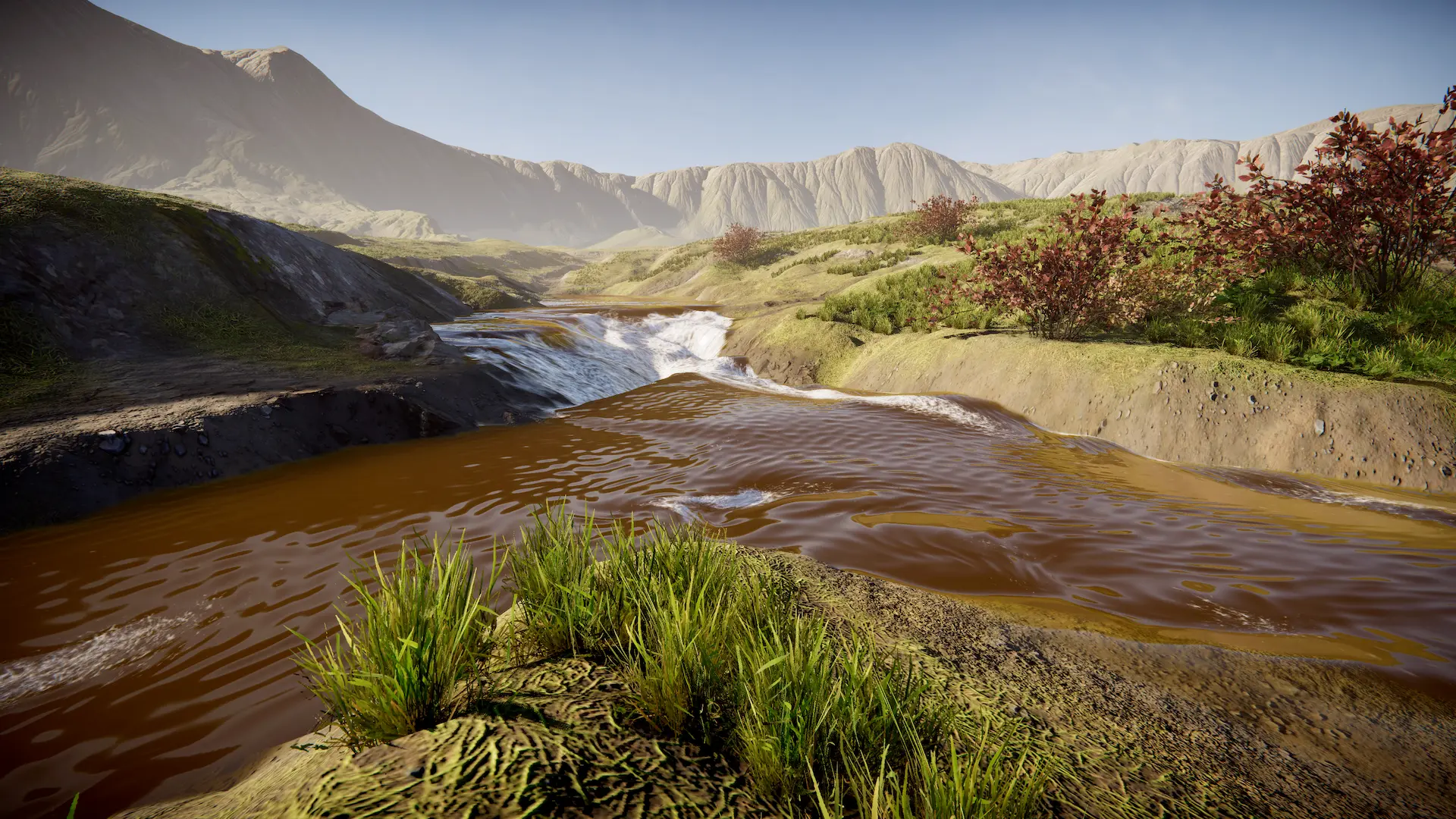
The Stream preset can effectively simulate a stream and the result can be baked to a texture. This simulation is a function of water level.
To enable, set to Stream. Then you will need a Water Level Input as the input source. When you raise the Water Level Input it will expose a wall of water and this will be the source of water for the simulation. Water will flow out of this wall.
Example
See the Stream sample for an example of connecting two lakes with a stream.
Once everything is set up, let the simulation run. The simulation can be baked at any point, but the best time is when water has found its level (ie no more movement in water height - ignore flow movement). Click “Bake Output” to bake the simulation at which point the Mode will change to Baked and you will see the Baked Texture slots populated.
Warning
It is possible that the stream will not reach its destination depending on the amount of obstructions and the profile of the terrain.