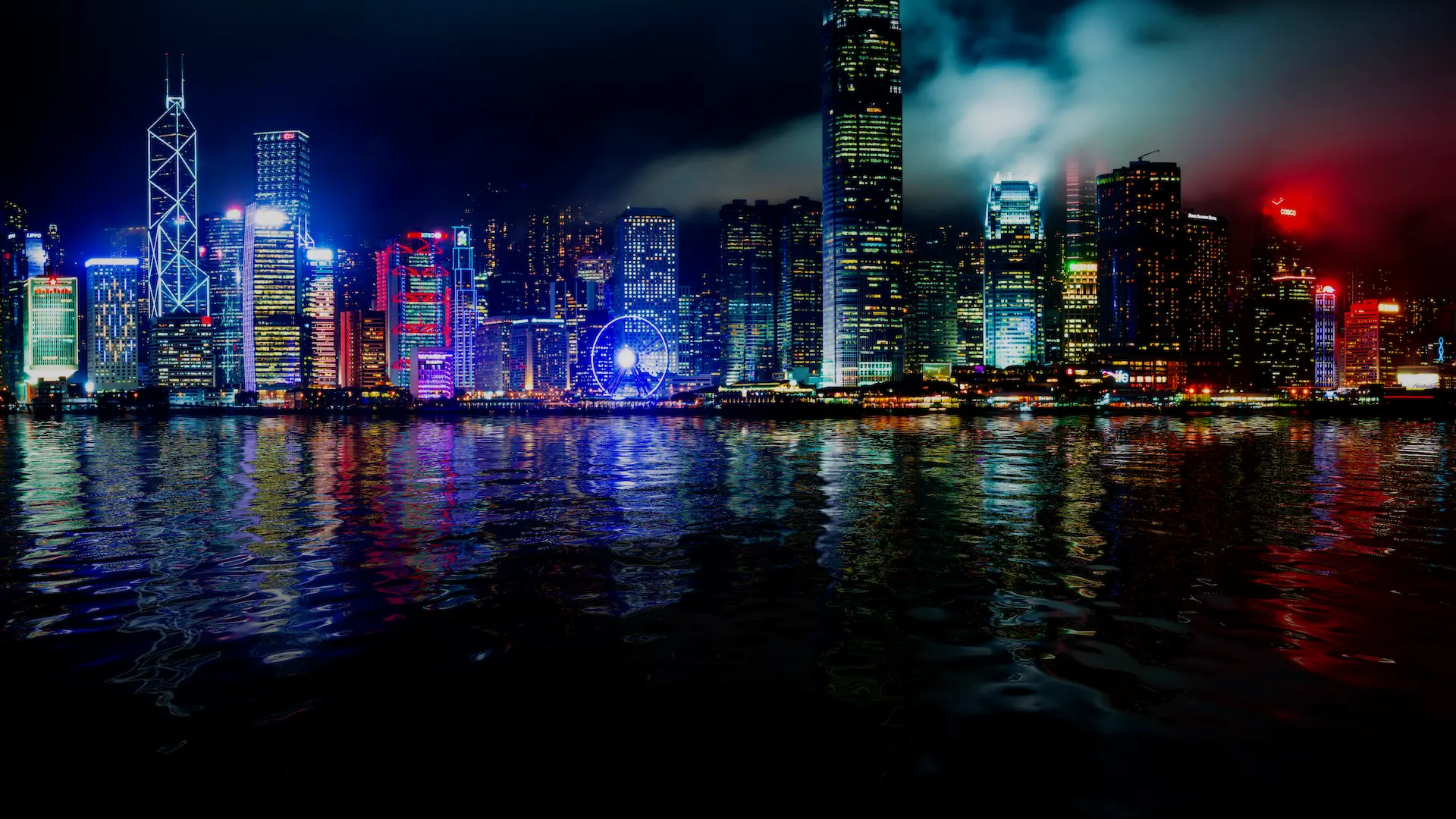
Reflections contribute significantly to the appearance of the water. The look of the water will dramatically changed based on the reflection environment.
Crest uses Shader Graph which makes it, by default, ready to receive all the various sources of reflections Unity provides:
Global Reflections
By default, Crest receives reflections from the global cubemap which only contains the skybox.
Furthermore, Crest provides Planar Reflections for both above and below the water (known as TIR) for all render pipelines.
Planar Reflections
Crest has planar reflections for both above and below the water (known as TIR) for all render pipelines.
Usage
For above water reflections:
Enable
Enable
Set to the layers you want in the reflections
For below water reflections (TIR):
Complete the above steps first.
Set to either Below or Both.
Set to 1
Optionally, set to 1 for full reflections
Configuration
Planar reflections can be configured both from two foldouts:
Additionally, TIR can be further configured in another foldout:
Performance
Enabling planar reflections for both above and below water can be very expensive. It is only recommended to have one enabled.
All of the properties in the foldout are mostly performance related. They will have descriptive tooltips.
Reflection Probes
Crest is set up to receive reflections from Reflection Probes by default, but further configuration is possible. Please see Chunk Template for more information.
Tip
When configuring your reflection probes for water, consider Box Projection and Probe Blending on both your probes and render pipeline settings.
Screen Space Reflections
Crest supports SSR for both HDRP and URP.
Usage HDRP
HDRP has a separate setting for transparent objects to receive SSR and it is not enabled by default. It is important that you understand the basics of HDRP before proceeding.
Enable Screen Space Refection and the Transparent sub-option in the Frame Settings.
Add and configure the SSR Volume Override
Please learn how to use the Volume Framework before proceeding as covering this is beyond the scope of our documentation:
Fig. 4 Adding Volumes to HDRP (Tutorial)
Enable Receives Screen-Space Reflections on the water material.
Usage URP
Preview
SSR for URP has not been officially released.
Unity is aiming on shipping SSR for URP in Unity 6.7. You can try out the preview implementation in Unity 6.6.
Follow the instructions provided by Unity.
Additionally, set to Opaque and Transparents. You may need to adjust smoothness/roughness on the water material and/or SSR volume to have it look acceptable.