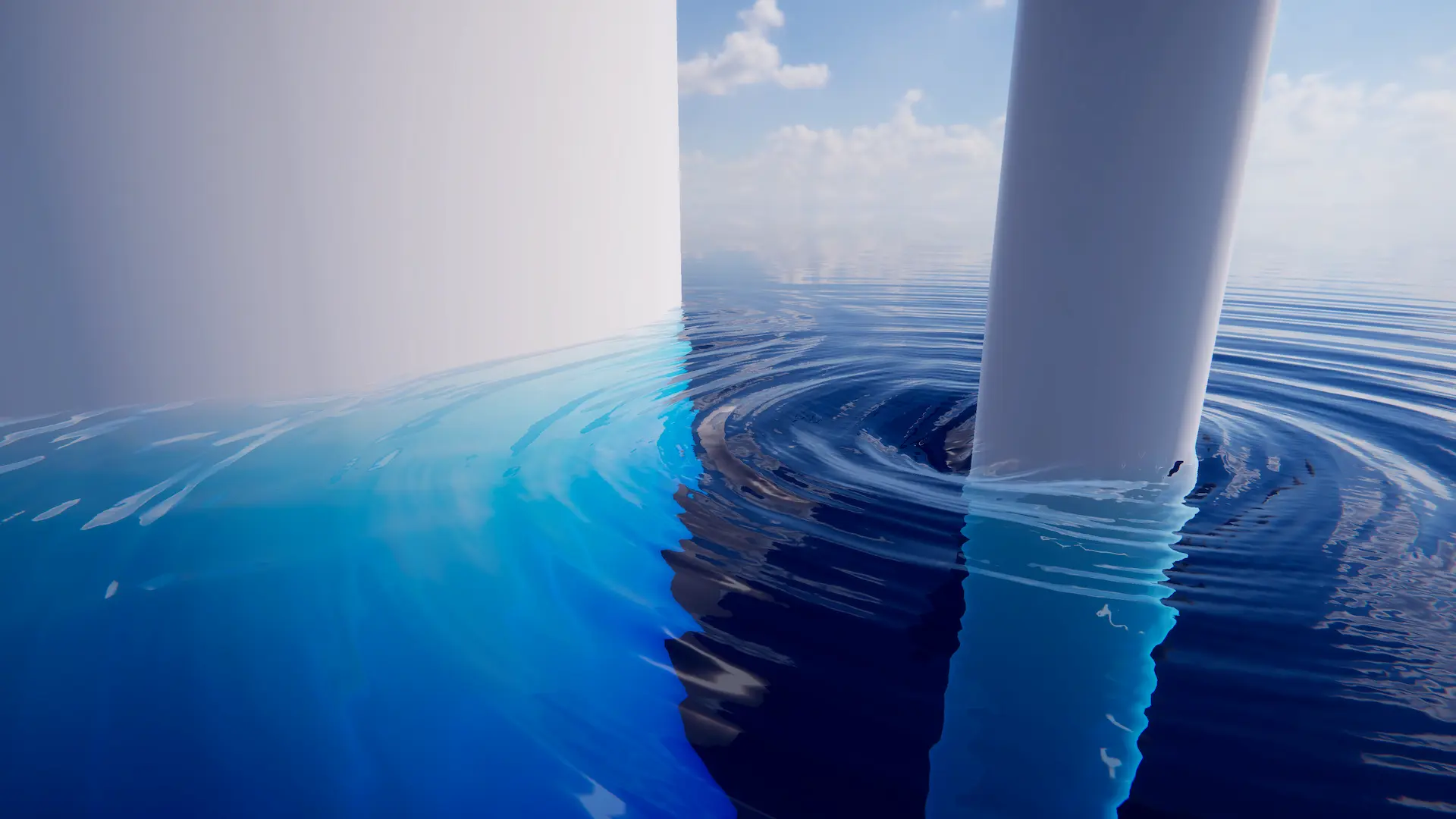
Settings for fine tuning the DynamicWavesLod.
Related: Dynamic Waves
Properties
Simulation
Damping |
How much energy is dissipated each frame. Helps simulation stability, but limits how far ripples will propagate. Set this as large as possible/acceptable. Default is 0.05. |
Courant Number |
Stability control. Lower values means more stable simulation, but may slow down some dynamic waves. This value should be set as large as possible until simulation instabilities/flickering begin to appear. Default is 0.7. |
Displacement Generation
Horizontal Displace |
Induce horizontal displacements to sharpen simulated waves. |
Displace Clamp |
Clamp displacement to help prevent self-intersection in steep waves. Zero means unclamped. |
Gravity Multiplier |
Multiplier for gravity. More gravity means dynamic waves will travel faster. Higher values can be a source of instability. |
Culling
Vertical Displacement Culling Contributions |
Adds padding to water chunk bounds. Dynamic Waves displaces the surface which can push vertices outside of the chunk bounds leading to culling issues. This value adds padding to the chunk bounds to mitigate this. |