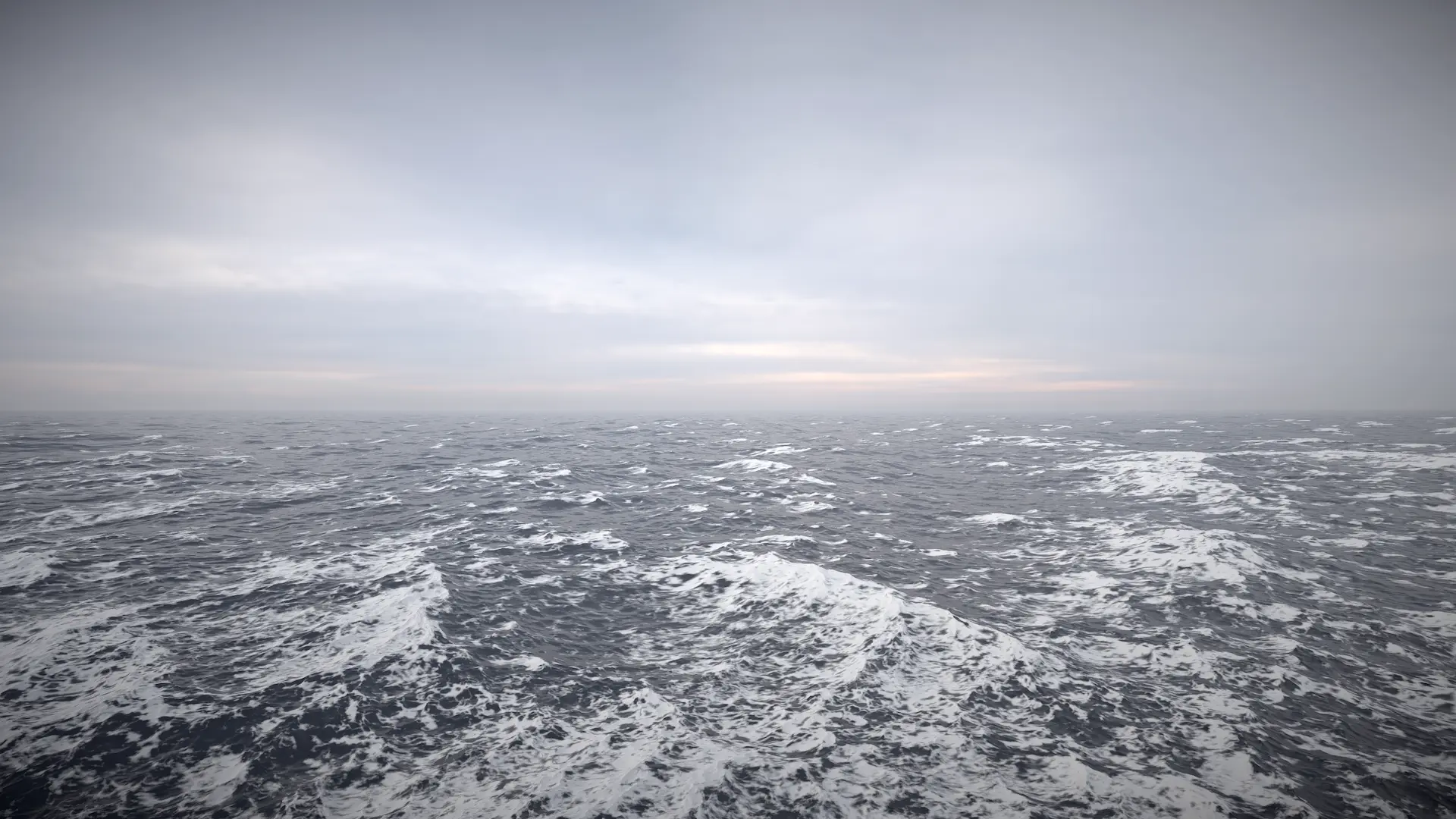
Settings for fine tuning the FoamLod.
Related: Foam
Properties
General settings
Maximum |
Foam will not exceed this value in the simulation which can be used to prevent foam from accumulating too much. |
Foam Fade Rate |
How quickly foam dissipates. Low values mean foam remains on surface for longer. This setting should be balanced with the generation *strength* parameters below. |
Whitecaps
Wave Foam Strength |
Scales intensity of foam generated from waves. This setting should be balanced with the Foam Fade Rate setting. |
Wave Foam Coverage |
How much of the waves generate foam. Higher values will lower the threshold for foam generation, giving a larger area. |
Filter Waves |
The minimum LOD to sample waves from. Zero means all waves and increasing will exclude lower wavelengths which can help with too much foam near the camera. |
Shoreline
Enabled |
Generate foam at shorelines. This is a superior option to camera depth shoreline foam on the water material - make sure both are not enabled. |
Shoreline Foam Maximum Depth |
Foam will be generated in water shallower than this depth. Controls how wide the band of foam at the shoreline will be. Note that this is not a distance to shoreline, but a threshold on water depth, so the width of the foam band can vary based on terrain slope. To address this limitation we allow foam to be manually added from geometry or from a texture, see the next section. |
Shoreline Foam Strength |
Scales intensity of foam generated in shallow water. This setting should be balanced with the Foam Fade Rate setting. |
Shoreline Foam Priming |
Primes foam when terrain height is this value above water. This ignores other foam settings and writes a constant foam value. |