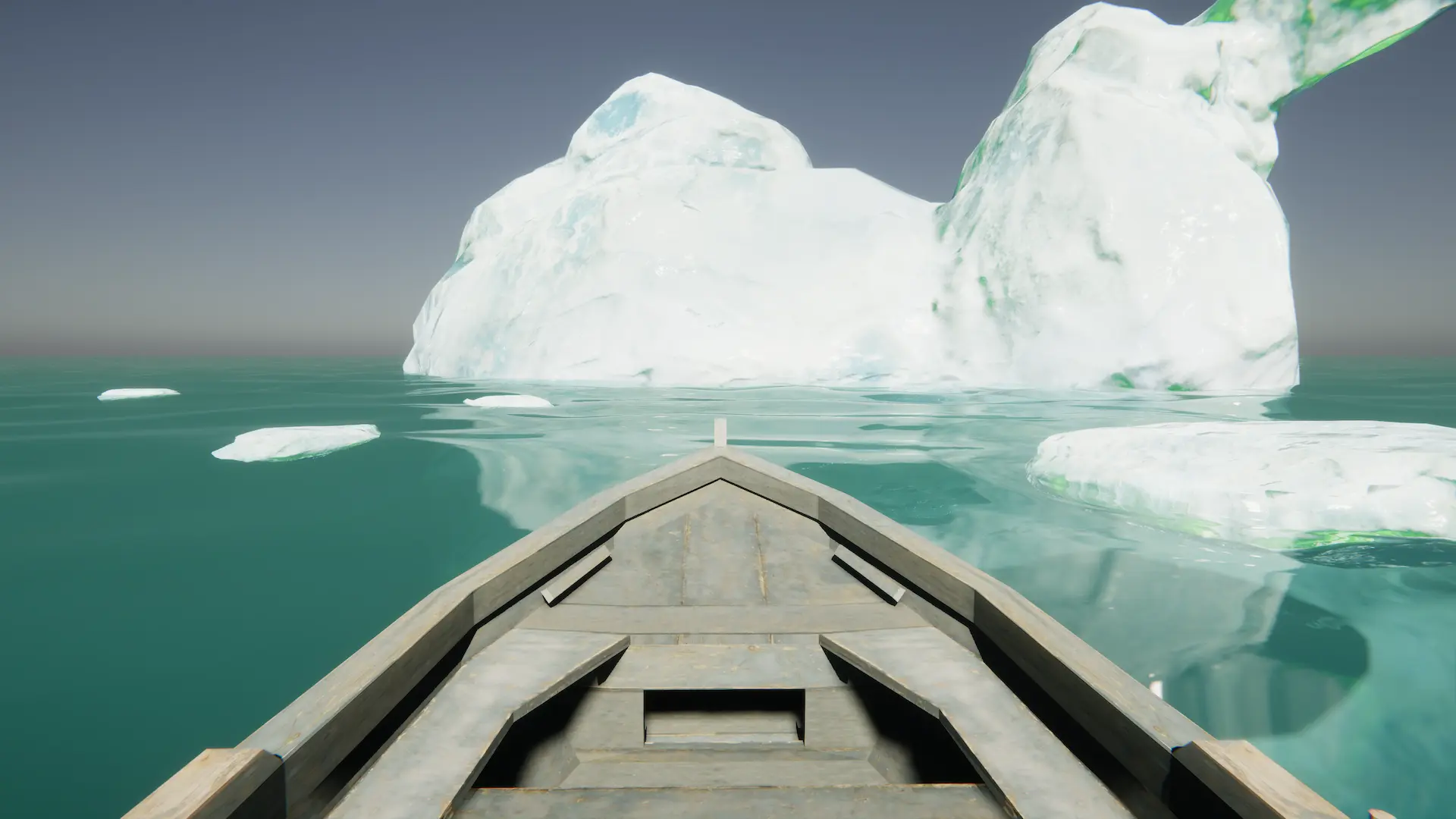
Removes water from a provided hull using the clip simulation.
Related: Water Exclusion
Properties
Convex Hull |
The convex hull to keep water out. |
Queue |
Order this input will render. Queue is ‘Queue + SiblingIndex’ |
Mode |
Which mode to use. |
Displacement |
Use displacement to remove water. Using displacement will also affect the underwater and can nest buoyant objects. Requires the displacement layer to be enabled. |
Clip |
Clips the surface to remove water. This option is more precise and can be submerged. |
Inverted |
Inverts the effect to remove clipping (ie add water). |
Use Clip |
Whether to also to clip the surface when using displacement mode. Displacement mode can have a leaky hull by allowing chop top push waves across the hull boundaries slightly. Clipping the surface will remove these interior leaks. |
Clip Scale |
Scales the clip input. Having the clip input larger than the displacement input helps to ensure the surface is fully removed inside. |