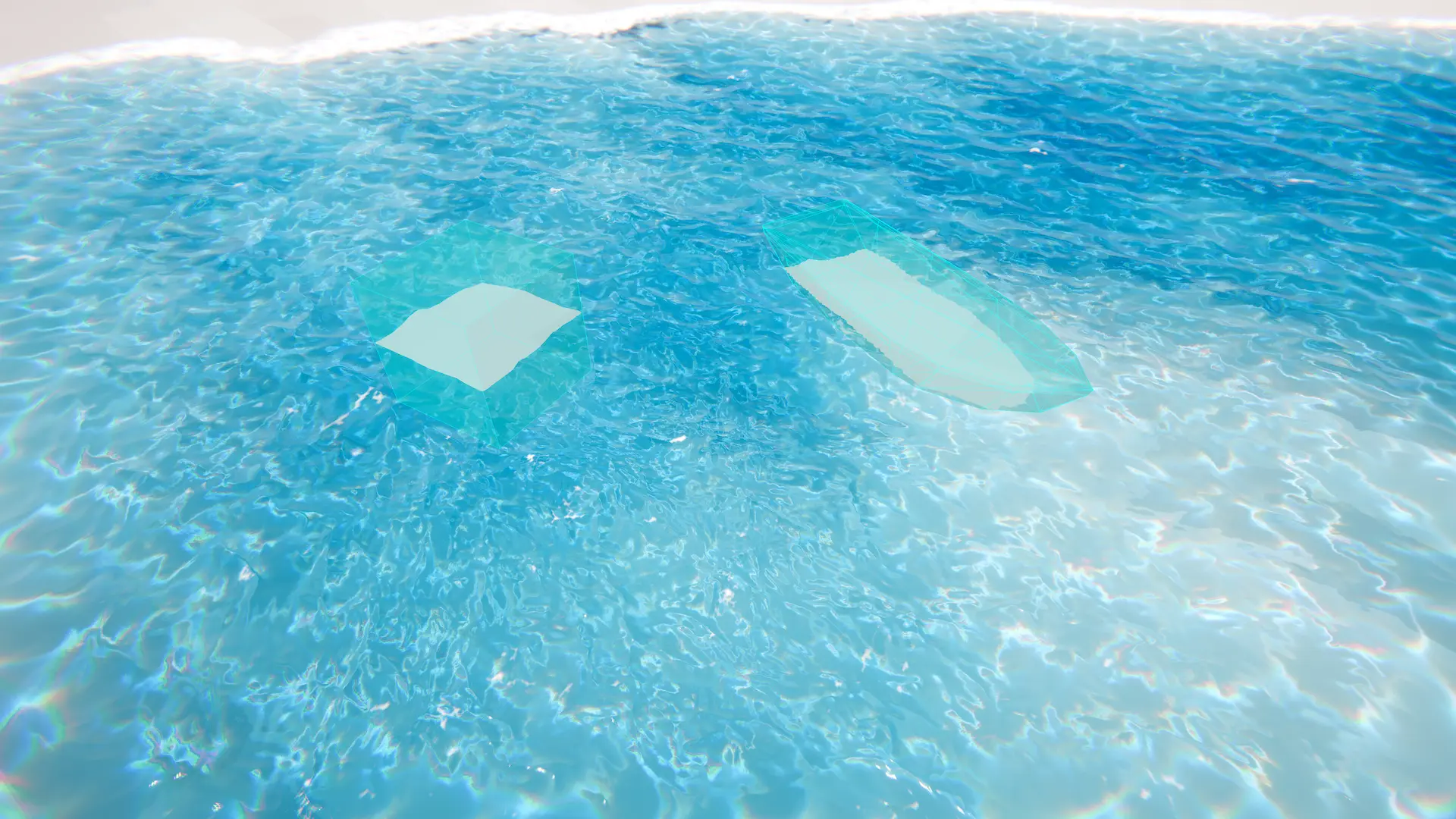
Registers a custom input to the ClipLod.
Attach this to objects that you want to use to clip the surface of the water.
Related: Water Exclusion, Water Inputs
Properties
Mode |
The mode for this input. See the manual for more details about input modes. Use AddComponent(LodInputMode) to set the mode via scripting. The mode cannot be changed after creation. |
Paint |
Hand-painted data by the user. |
Renderer |
Attached ‘Renderer’ (mesh, particle or other) used to drive data. |
Primitive |
Driven by a mathematical primitive such as a cube or sphere. |
Texture |
Data driven by a user provided texture. |
Queue |
The order this input will render. Order is Queue plus SiblingIndex |
Mode
Paint
Hand-painted data by the user.
LeftClick to clip the water surface. Hold Shift-LeftClick to unclip the water surface.
Related: Paint Mode
Data |
Stores the editor paint data. |
Baked Texture |
Stores the standalone paint data. |
Bake On Save |
Automatically re-bakes the texture on save. This will only work after the first bake. |
Show Baked Texture |
Force the input to use the baked paint data for standalone. |
World Size |
Change the world size of the painted area. Will not delete data when shrinking. |
Requested Texel Density |
The resolution of the output. Output texture resolution will scale to the world size based on this value - basically how many texels per unit (meters). |
Maximum Resolution |
The maximum resolution of the output. If one dimension exceeds this value, it will be clamped, and the smaller dimension will be scaled down proportionally. |
Brush Size |
Size of the brush. |
Brush Strength |
Strength of the brush. |
Renderer
Attached ‘Renderer’ (mesh, particle or other) used to drive data.
Related: Renderer Mode
Renderer |
The renderer to use for this input. Can be anything that inherits from Renderer like MeshRenderer, TrailRenderer etc. |
Disable Renderer |
Forces the renderer to only render into the LOD data, and not to render in the scene as it normally would. |
Override Shader Pass |
Whether to set the shader pass manually. |
Shader Pass Index |
The shader pass to execute. Set to -1 to execute all passes. |
Check Shader Name |
Check that the shader applied to this object matches the input type. For example, an Animated Waves input object has an Animated Waves input shader. |
Check Shader Passes |
Check that the shader applied to this object has only a single pass, as only the first pass is executed for most inputs. |
Texture
Data driven by a user provided texture.
Related: Texture Mode
Texture |
Texture to render into the simulation. |
Multiplier |
Multiplies the texture sample. This is useful for normalized textures. The four components map to the four color/alpha components of the texture (if they exist). If you just want to fade out the input, consider using weight instead. |
Primitive
Primitive |
The primitive to render (signed distance) into the simulation. |
Sphere |
Spheroid. |
Cube |
Cuboid. |
Quad |
Quad. |
Inverted |
Removes clip surface data instead of adding it. |
Culling
Water Height Distance Culling |
Prevents inputs from cancelling each other out when aligned vertically. It is imperfect so custom logic might be needed for your use case. |