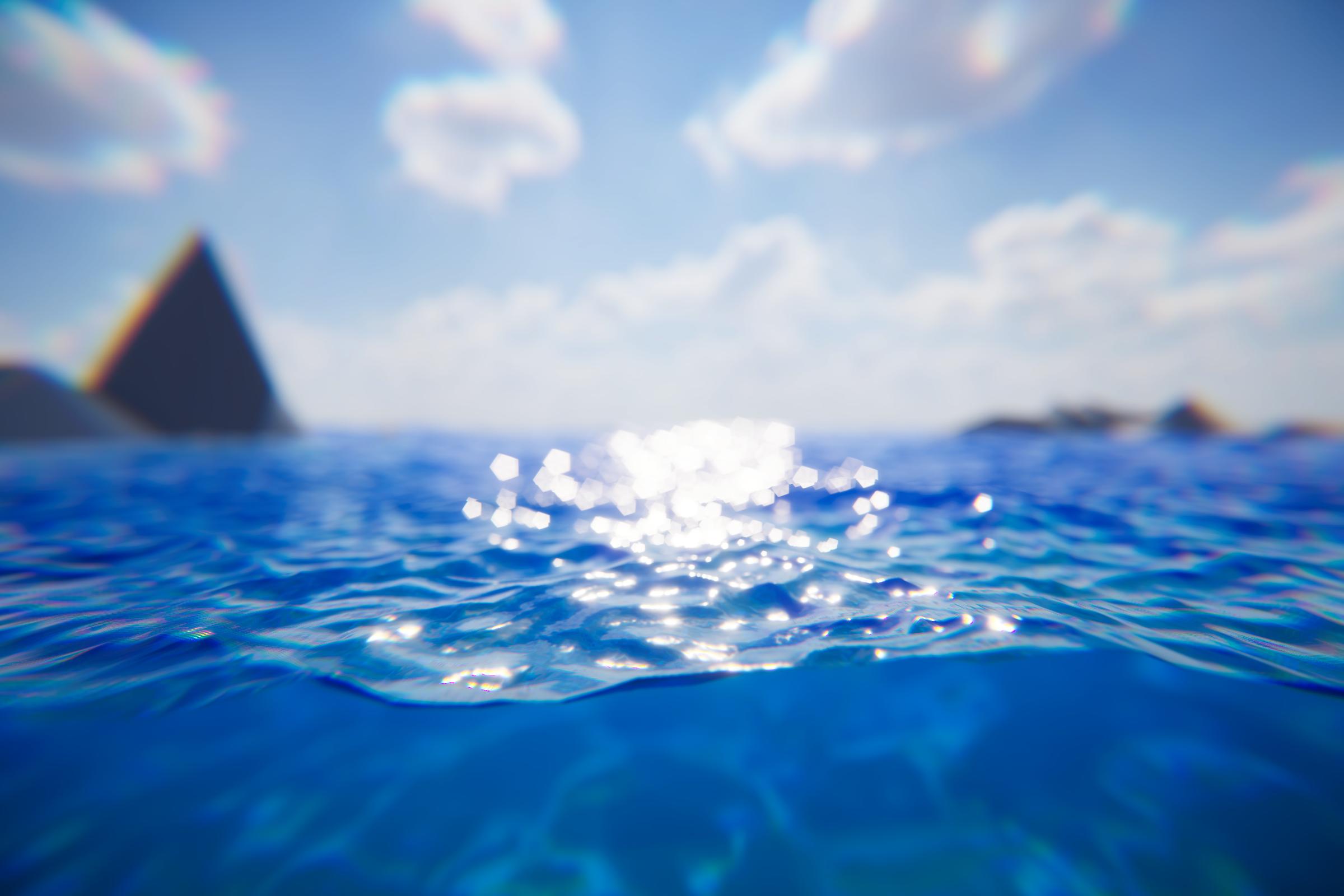
Water Shader Graph
We provide dedicated sub-graphs where customization can be implemented: Mask and Integrate. That being said, you can duplicate the Shader Graph for further customization.
Mask
Mask can be used to manipulate material properties before they go through the water shading model.
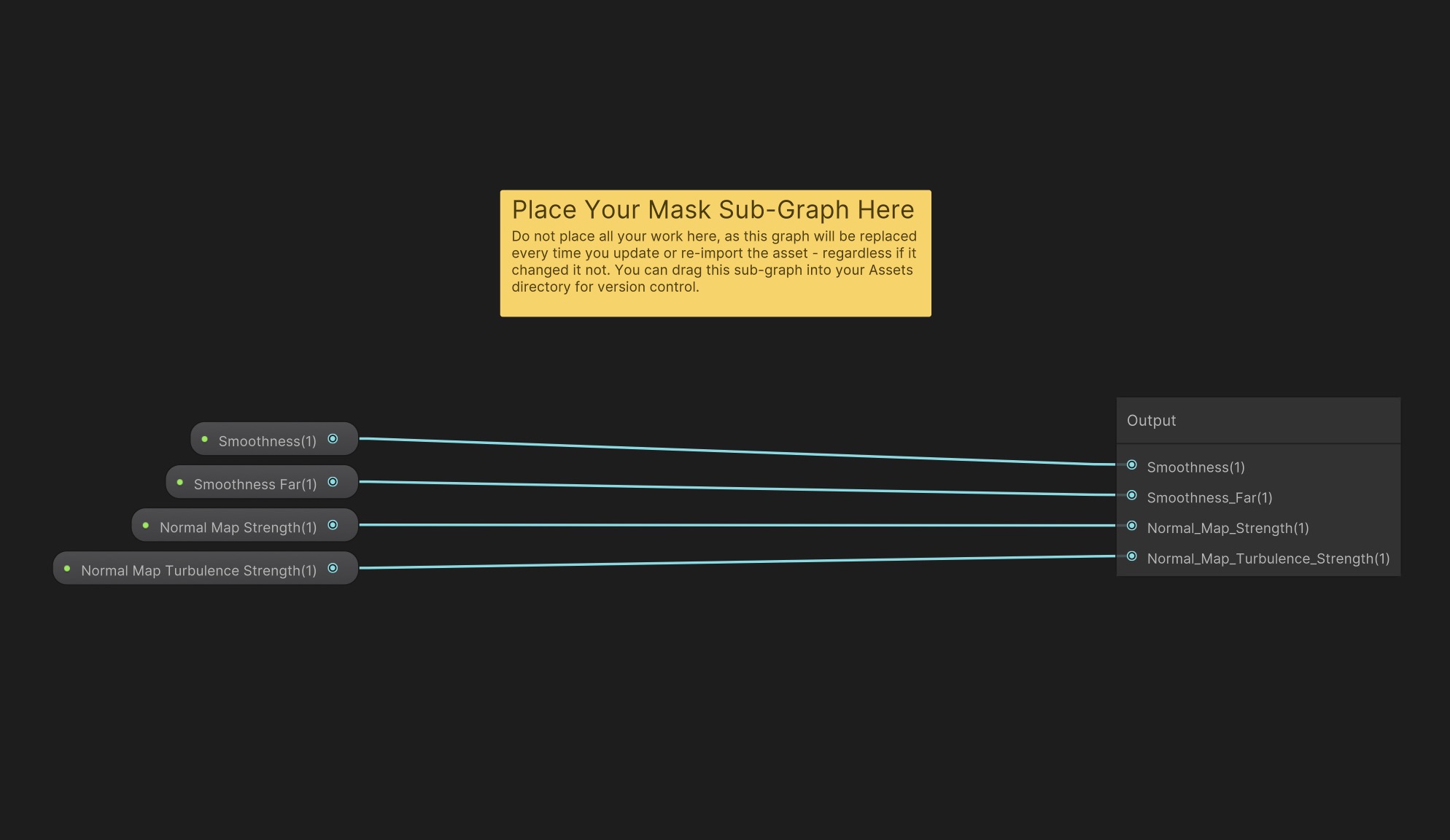
The properties we provide access to are:
Smoothness
Smoothness Far
Normal Map Strength
Normal Map Turbulence Strength
To customize, make your own sub-graph and place it in Mask.shadersubgraph. You can move the file into Assets if you want to add it to your VCS. Every time you re-import Crest, this file will be overwritten, so placing your customizations in your own sub-graph is important.
Integrate
Integrate can be used to manipulate shading variables between the water shading model and the PBR shading model.
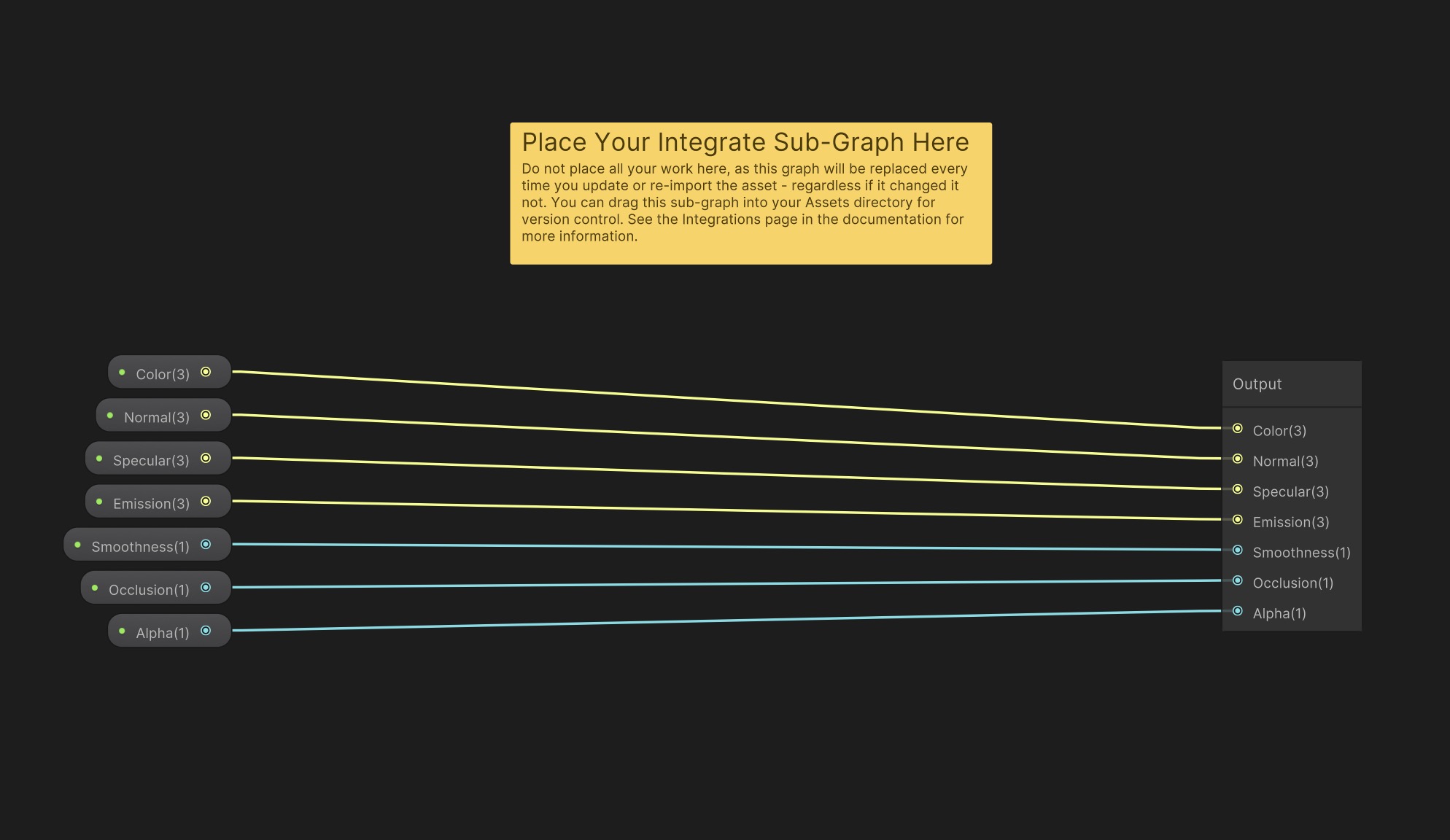
The variables we provide access to are:
Color
Normal
Specular
Emission
Smoothness
Occlusion
Alpha
To customize, make your own sub-graph and place it in Integrate.shadersubgraph. You can move the file into Assets if you want to add it to your VCS. Every time you re-import Crest, this file will be overwritten, so placing your customizations in your own sub-graph is important.
For adding integrations to this sub-graph, see Integrating Third-Party Sub-Graph.
Water Data
A great way to customize Crest is by manipulating data using Water Inputs. They can accept textures (and much more) as inputs, which means you can pipe your own simulations into our system.