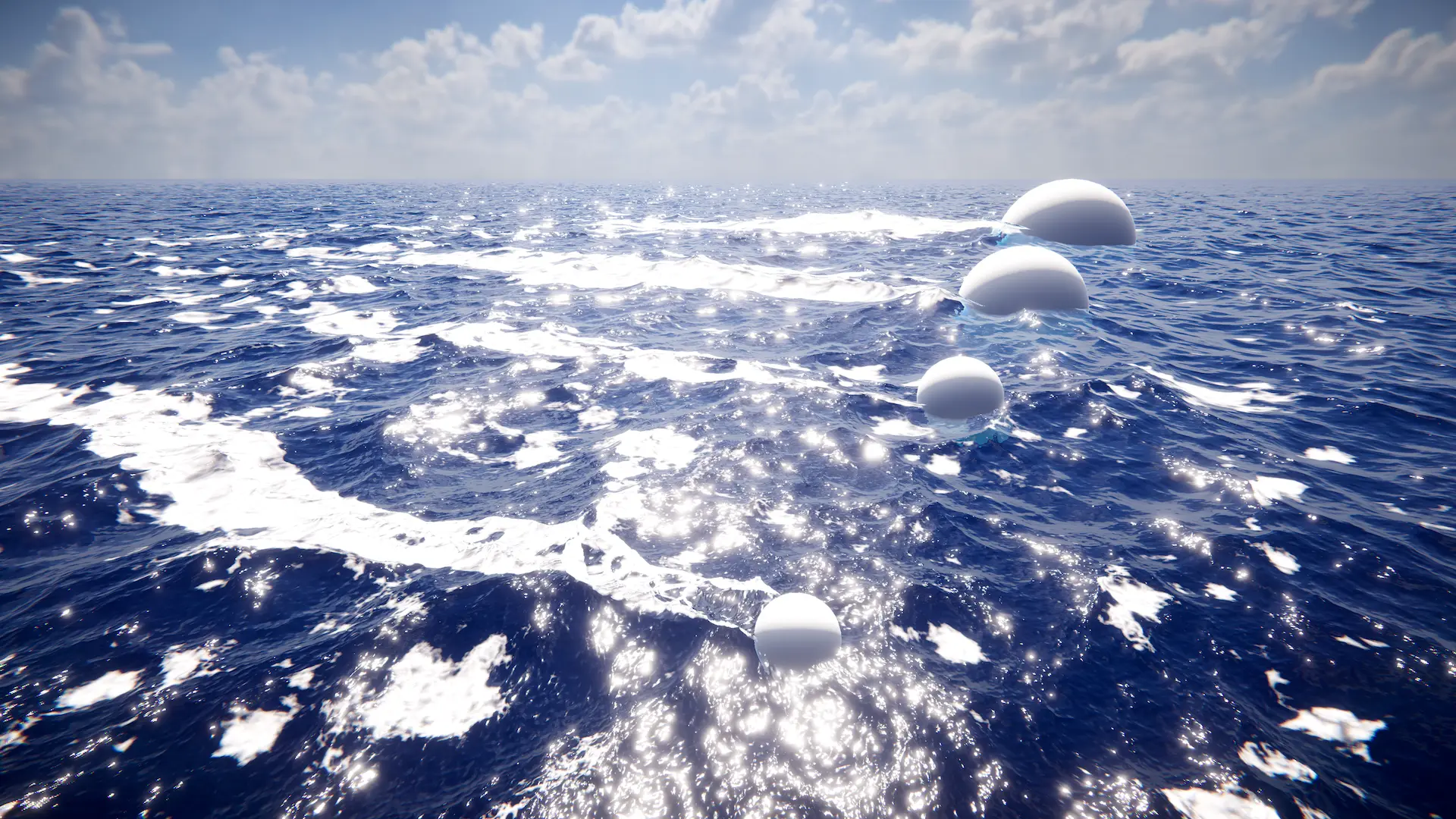
Approximates the interaction between a sphere and the water.
Multiple spheres can be used to model the interaction of a non-spherical shape.
Related: Dynamic Waves
Properties
Radius |
Radius of the sphere that is modeled from which the interaction forces are calculated. |
Weight |
Intensity of the forces. Can be set negative to invert. |
Weight Vertical Multiplier |
Intensity of the forces from vertical motion of the sphere. Scales ripples generated from a sphere moving up or down. |
Inner Sphere Multiplier |
Model parameter that can be used to modify the shape of the interaction. Internally the interaction is modeled by a pair of nested spheres. The forces from the two spheres combine to create the final effect. This parameter scales the effect of the inner sphere and can be tweaked to adjust the shape of the result. |
Inner Sphere Offset |
Model parameter that can be used to modify the shape of the interaction. This parameter controls the size of the inner sphere and can be tweaked to give further control over the result. |
Velocity Offset |
Offset in direction of motion to help ripples appear in front of sphere. There is some latency between applying a force to the wave simulation and the resulting waves appearing. Applying this offset can help to ensure the waves do not lag behind the sphere. |
Compensate For Wave Motion |
How much to correct the position for horizontal wave displacement. If set to 0, the input will always be applied at a fixed position before any horizontal displacement from waves. If waves are large then their displacement may cause the interactive waves to drift away from the object. This parameter can be increased to compensate for this displacement and combat this issue. However increasing too far can cause a feedback loop which causes strong ‘ring’ artifacts to appear in the dynamic waves. This parameter can be tweaked to balance this two effects. |
Boost Large Waves |
Whether to improve visibility in larger LODs. If the dynamic waves are not visible far enough in the distance from the camera, this can be used to boost the output. |
Limits
Teleport Speed |
Teleport speed (km/h). If the calculated speed is larger than this amount, the object is deemed to have teleported and the computed velocity is discarded. |
Warn On Teleport |
Outputs a warning to the console on teleport. |
Maximum Speed |
Maximum speed clamp (km/h). Useful for controlling/limiting wake. |
Warn On Speed Clamp |
Outputs a warning to the console on speed clamp. |