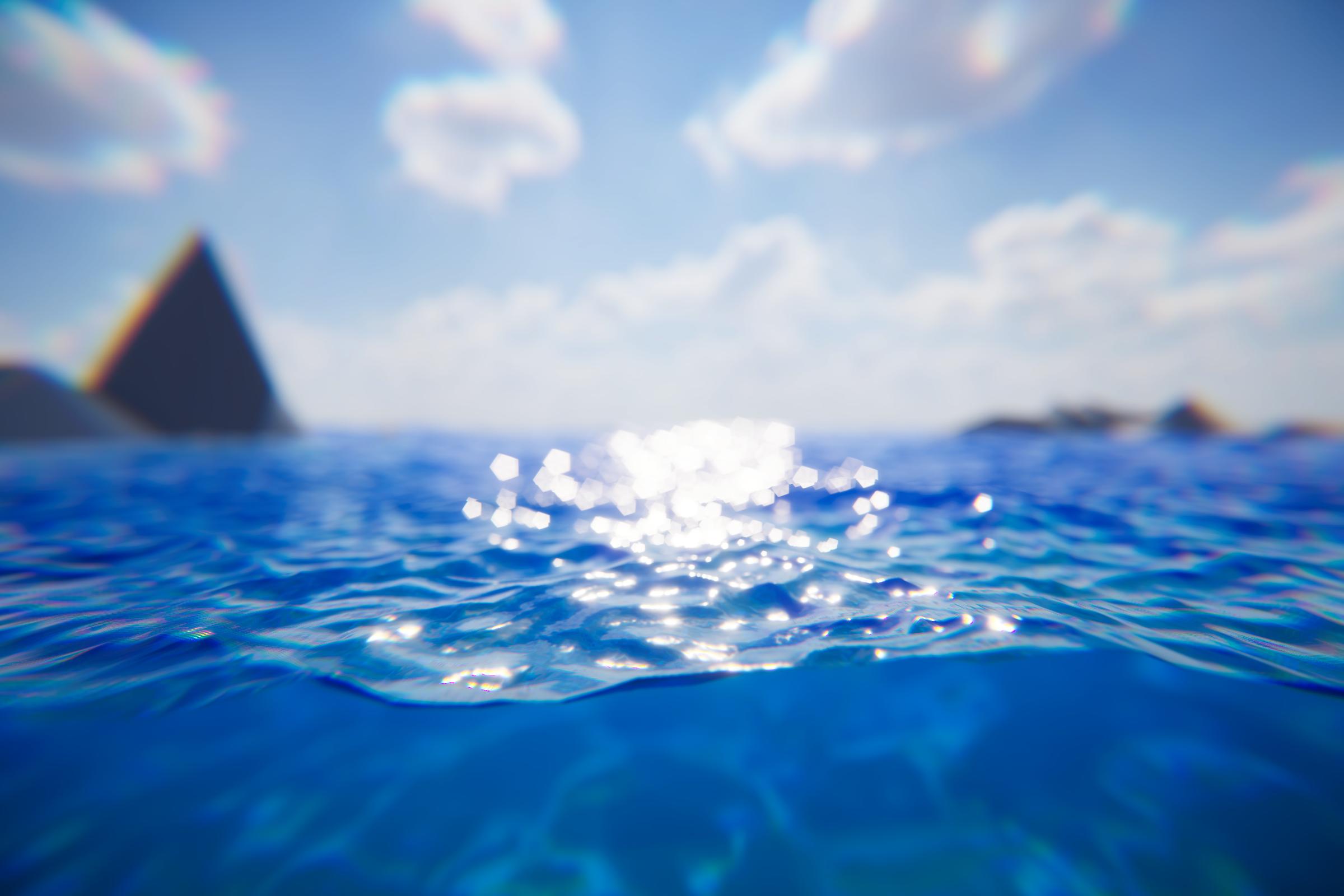
As other shaders would, the water will get most its lighting from the primary directional light (ie sun or moon).
See Chunk Template for advanced configuration.
Reflections
See the dedicated Reflections page.
Refractions
Refractions sample from the camera’s color texture. Anything rendered in the transparent pass or higher will not be included in refractions.
See Transparent Object In Front Of Water Surface for issues with Crest and other refractive materials.
Chunk Template
Crest uses Mesh Renderers to render chunks of water throughout the scene. Mesh Renderers have many settings for configuring how a mesh responds to different lighting components like probes.
The Chunk Template allows you to provide a pre-configured Mesh Renderer to override Crest’s defaults. Some settings cannot be overridden as they make no sense or require support from Crest.
To use this feature, create a prefab with a Mesh Renderer. The only other requirement is to not have a Water Chunk Renderer present in the prefab.
Tip
Clicking “New” next to will create a new one for you.
Settings which cannot be overridden are:
Receive Shadows
Motion Vectors
Other settings may not have any effect depending on the level of support with the render pipeline.
Alternatively, there is an event which is raised after chunk creation: OnCreateChunkRenderer.