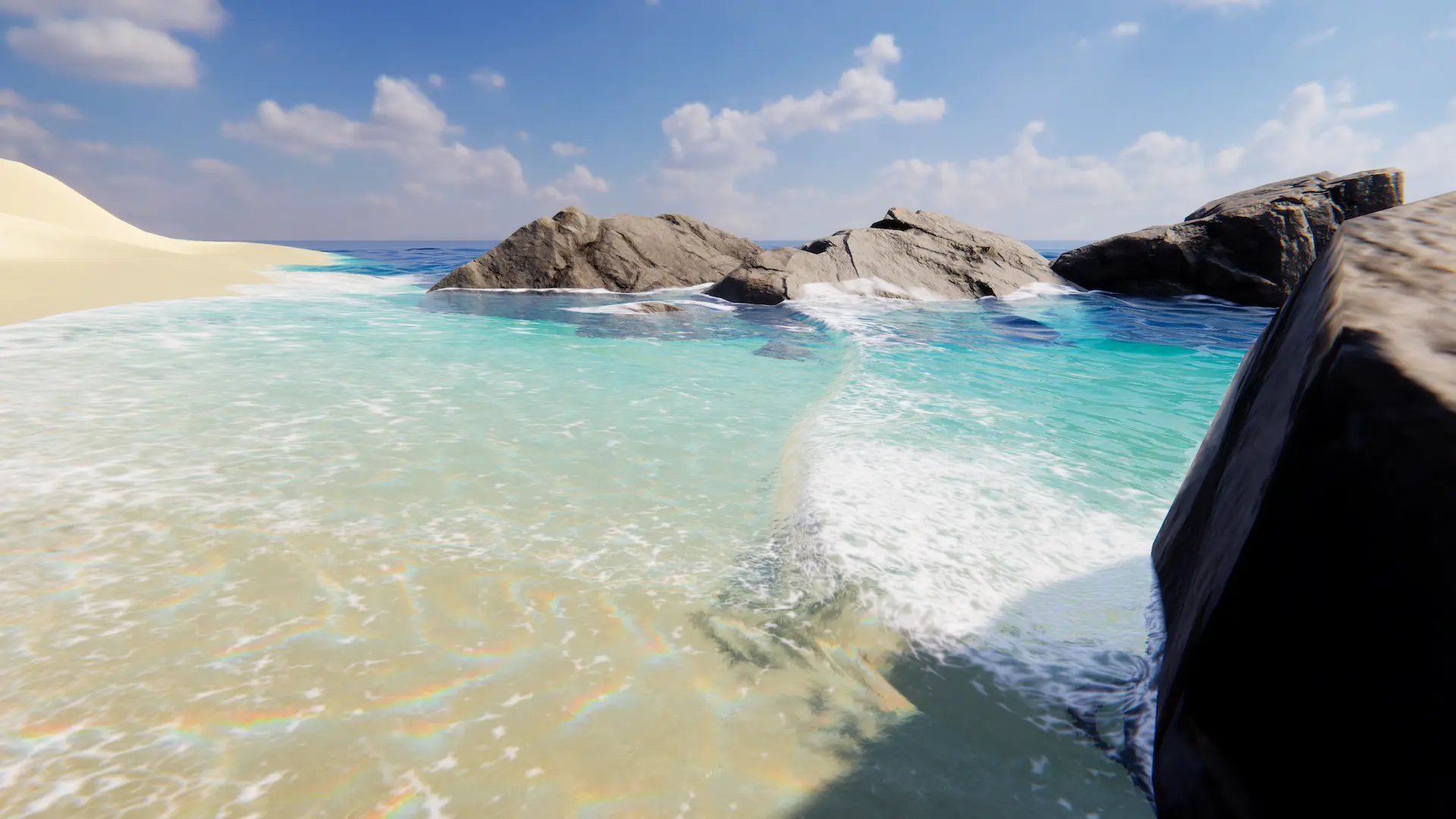
Runs a shallow water simulation at global sea level in a domain around its transform, and injects the results of the simulation into the water data.
Related: Shallow Water Simulation
Properties
General
Preset |
Preconfigures the simulation for a specific use case. Requires resetting the simulation. |
None |
All options available. |
Shoreline |
Only shows options for shorelines. |
Stream |
Only shows options for streams. |
Width |
The width of the simulation area (m). Enable gizmos to see a wireframe outline of the domain. Requires resetting the simulation. |
Depth |
The depth of the water in the shallow water simulation (m). Any underwater surfaces deeper than this depth will not influence the sim. Large values can lead to instabilities / jitter in the result. Requires resetting the simulation. |
Placement |
Where the simulation is placed. The default performs the best. |
Fixed |
The component is in a fixed position. |
Transform |
The component follows the transform. |
Viewpoint |
The component follows the viewpoint. |
Place At Sea Level |
Places the simulation at sea level. Requires resetting the simulation. |
Friction |
Friction applied to water to prevent dampen velocities. |
Dynamic Seabed |
Recompute ground heights every frame. Only enable this if terrain used by water system changes at runtime. |
Sample Depth Probe Directly |
Whether to sample the Depth Probe directly. If disabled then data will come from the LODs which will have precision losses depending on camera position. Only disable if necessary. Requires resetting the simulation. |
Sample Water Level Inputs Directly |
Whether to sample water level inputs directly. If disabled then data will come from the LODs which will have precision losses depending on camera position. Only disable if necessary. This option only supports water level inputs using the Geometry, Spline or Renderer modes. Requires resetting the simulation. |
Additional Water |
Adds meters of additional water into the simulation domain on initialization. Requires resetting the simulation. |
Drain Water At Boundaries |
Rate at which to remove water at the boundaries of the domain. Useful for preventing buildup of water when simulating shoreline waves. |
Evaporation |
Rate at which to remove water at any location. Useful for removing remaining water from lowering tides. |
Source Blending
Depth Range |
Affects depth-based blending of the simulation and animated waves (m). For the minimum, when the water depth is less than this value, animated waves will not contribute at all, water shape will come purely from this simulation. For the maximum, when the water depth is greater than this value, this simulation will not contribute at all, water shape will come purely from the normal ocean waves. Negative depths are valid and occur when surfaces are above sea level. |
Push Up Strength |
The intensity at which waves inject water into the simulation. |
Distance Culling
Enable |
Disable simulation when viewpoint far from domain. |
Cull Distance |
Disable simulation if viewpoint is more than this distance outside simulation domain. |
Cull Transition Speed |
The speed of the transition to its culled state. |
Stability
Time Step |
Time step used for simulation (s). Smaller values can make simulation more stable but requires more runtime computation. |
Courant Number |
Stability measure - limits velocities. Default 0.5. |
Overshoot Reduction Strength |
Overshoot is artifacts where the water will spike sharply. |
Quality
Texel Size |
Simulation resolution - width of simulation grid cell (m). Smaller values will increase resolution but take more computation time and memory, and may lead to instabilities for small values. Requires resetting the simulation. |
Maximum Resolution |
Maximum resolution of simulation grid. Safety limit to avoid simulation using large amount of video memory. Requires resetting the simulation. |
Blur Shape For Render |
Filters the shape prior to rendering to smooth out sharp features. Always enabled when baking. |
Blur Mask Iterations |
Filters the mask. |
Water Edge Margin
Enable |
Adds a margin around the water level to prevent water from degenerating at a distance and prevents water wall creep (px). |
Margin Width |
Width of the margin. The default is the optimal width. |
Margin Width (Baked) |
Same as Margin Width but for baking only. Will use the larger value of the two. |
Output
Mode |
Whether to use the baked textures. Only supported by water level. |
Real Time |
Simulate every frame. |
Baked |
Simulation output has been baked to a texture. |
Shape
Inject |
Add the resulting shape to the water system. If blending data from waves or height then use Waves or Level respectively. Requires resetting the simulation. |
Waves |
Inject into the Animated Waves. |
Level |
Inject into Water Level. |
Baked Texture |
The baked texture for water level. |
Report Maximum Displacement |
Inform water how much this input will displace the water surface vertically. This is used for culling water tiles. |
Domain Padding |
Padding area for zero activity at the edge of the domain. Adds padding so that simulation edge can overlap with height inputs without causing a seam (m). It is important that the padding fully overlaps the water level input, or there may be a gap. Visualized by the gizmo. |
Flow
Inject |
Add the resulting flow velocities to the water system. |
Baked Texture |
The baked texture for flow. |
Strength |
Multiplies flow output to scale when injecting. |
Foam
Inject |
Add the resulting foam to the water system. |
Baked Texture |
The baked texture for foam. |
Strength |
Multiplies foam output to scale when injecting. |