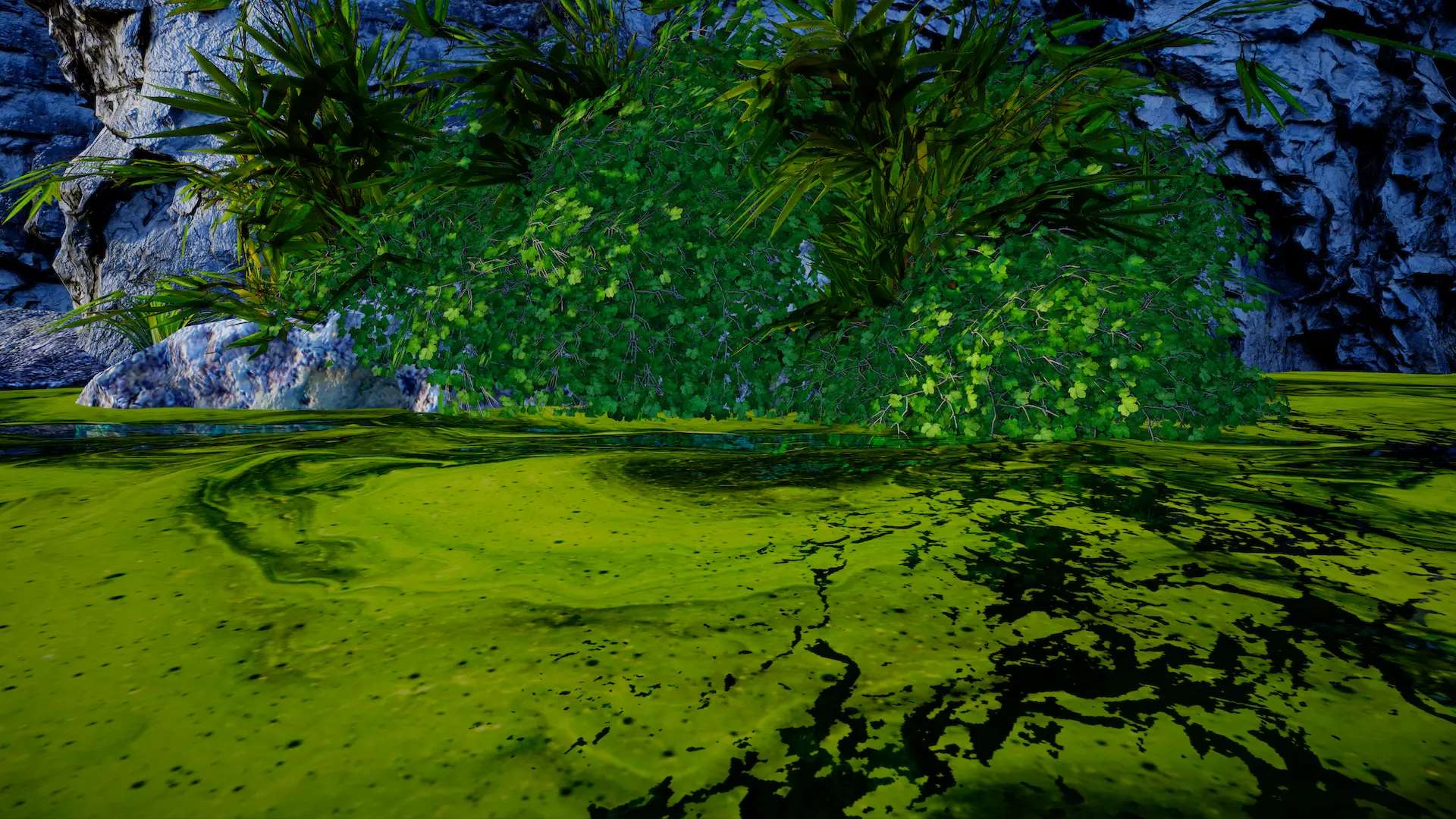
The Albedo feature allows a color layer to be composited on top of the water surface. This is useful for projecting color onto the surface like duckweed.
This is somewhat similar to decals, except the color only affects the water.
The Albedo / Decals simulation properties can be found under .
Note
HDRP has a Decal Projector feature that works with the water shader, and the effect is more configurable and may be preferred over this feature. When using decals, be sure to enable Affects Transparent.
URP 2022 has a decal system, but it does not support transparent surfaces like water yet.
User Inputs
The Albedo Input component can write data to the simulation and supports the Renderer Mode.
Any geometry or particle system can add color to the water. It will be projected from a top down perspective onto the water surface.
The following shaders are available under Crest/Inputs/Albedo if using the Renderer Mode:
Color a basic shader for writing a color or texture to the Albedo data including blend modes.
Note
If using a shader with multiple passes (or Shader Graph), if the output looks incorrect then change the Shader Pass Index.