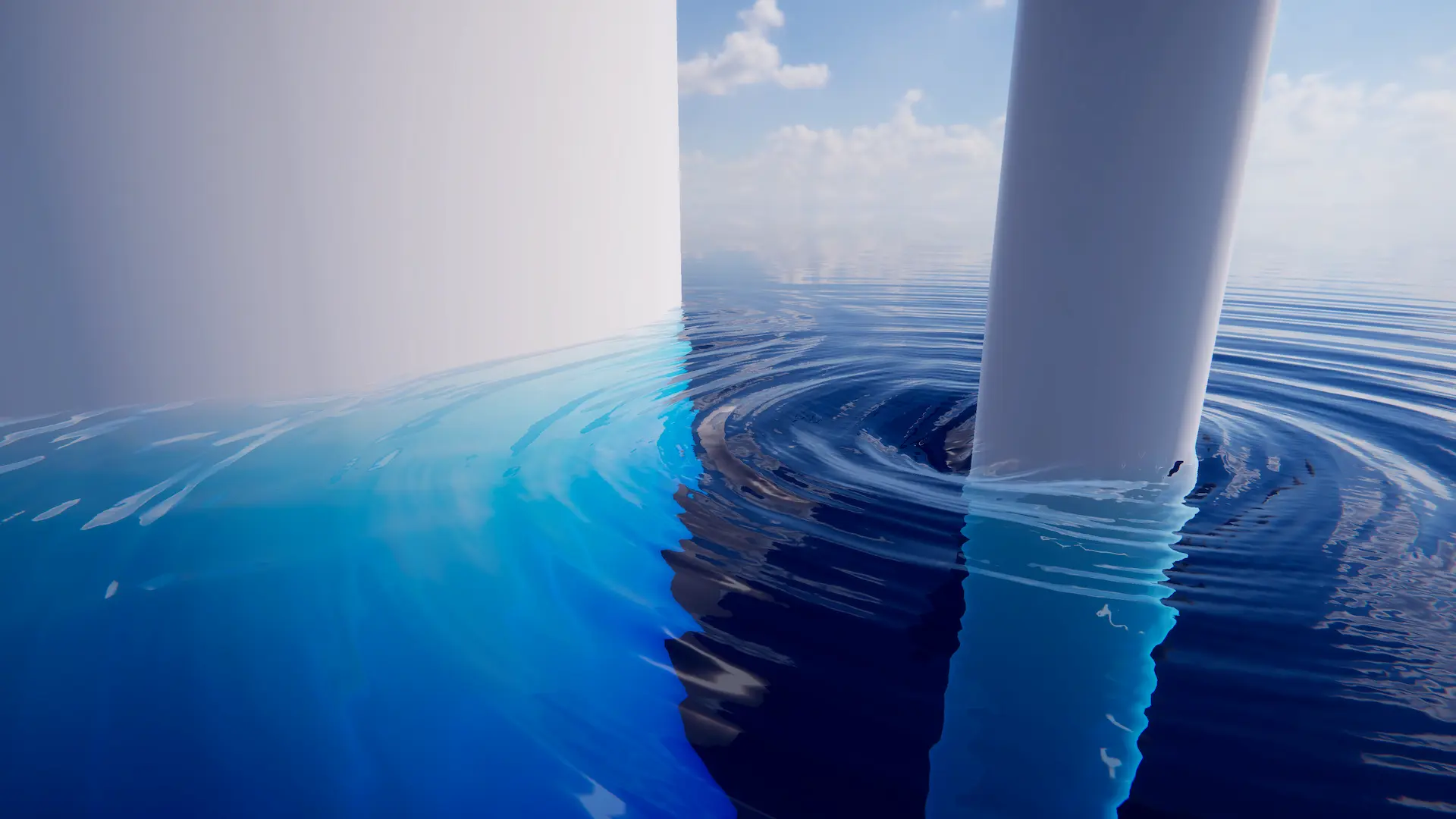
Environmental/animated waves are ‘static’ in that they are not influenced by objects interacting with the water. ‘Dynamic’ waves are generated from a multi-resolution simulation that can take such interactions into account.
The dynamic wave simulation is added on top of the animated waves to give the final shape.
The dynamic wave simulation is not suitable for use further than approximately 10km from the origin. At this kind of distance the stability of the simulation can be compromised. Use Shifting Origin to avoid traveling far distances from the world origin.
To turn on this feature, enable .
Adding Interaction Forces
Dynamic ripples from interacting objects can be generated by placing one or more spheres under the object to approximate the object’s shape. To do so, attach one or more Sphere Water Interaction components to children on the object and set the Radius parameter to roughly match the shape.
Non-spherical objects can be approximated with multiple spheres, for an example see the Spinner object in the Boat sample scene which is composed of multiple sphere interactions. The intensity of the interaction can be scaled using the Weight setting. For an example of usages in boats, see the provided prefabs with the Boat sample.
Simulation Settings
The Dynamic Waves simulation properties can be found under .
To configure the simulation, create a Dynamic Waves Settings file with , and assign it to .
Tip
Clicking “New” next to will create a new one for you.
The key settings that impact stability of the simulation are the Damping and Courant Number settings.
The Debug GUI overlay reports the number of simulation steps taken each frame.
User Inputs
The Dynamic Waves Input component can write data to the simulation and supports the Renderer Mode.
The recommended approach to injecting forces into the dynamic wave simulation is to use the Sphere Water Interaction component as described above. This component will compute a robust interaction force between a sphere and the water, and multiple spheres can be composed to model non-spherical shapes.
However for when more control is required, custom forces can be injected directly into the simulation using the Renderer Mode. The following input shader is provided under Crest/Inputs/Dynamic Waves:
Dampen Circle dampens dynamic waves within a circle.