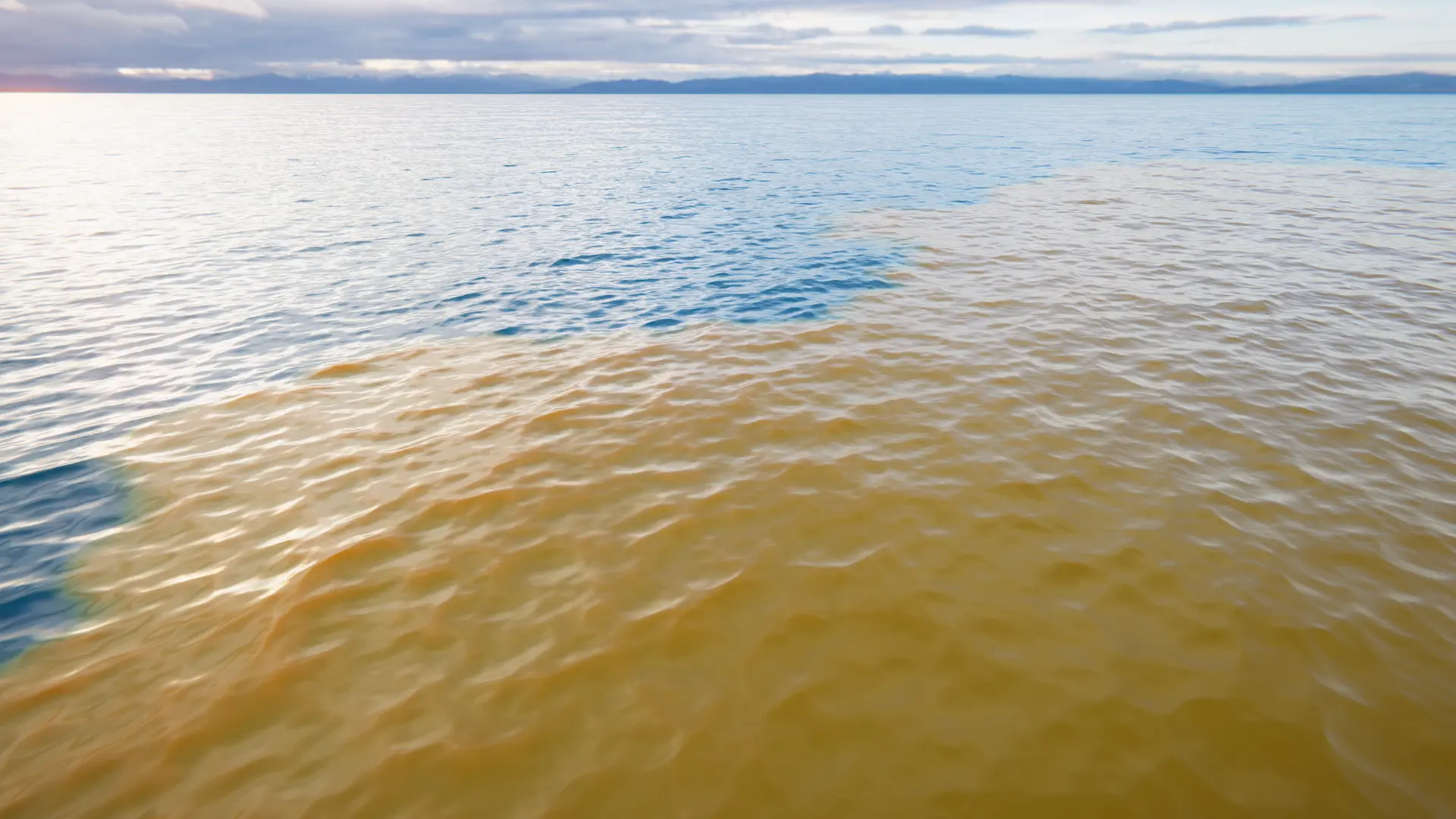
Added in version 5.3.0.
The Absorption and Scattering targets allows changing the water volume color at the texel level. These are separate simulations, but are often used together.
They both contain depth-based absorption/scattering, which can simulate suspended matter, dissolved matter and other scattering elements close to shore.
The Absorption and Scattering simulation properties can be found under and respectively.
User Inputs
The Absorption Input and Scattering Input components can write data to the simulation and supports the Area Mode, Texture Mode, Spline Mode, Paint Mode and Renderer Mode.
Texture
Be aware that the absorption simulation stores a computed absorption value, not the absorption color you will see on materials and scripts. This is an issue when using this mode, as the input texture needs to be in the computed value. To calculate the absorption value, see CalculateAbsorptionValueFromColor.
Renderer
The following shaders are available under Crest/Inputs/Absorption and Crest/Inputs/Scattering if using the Renderer Mode:
Color a basic shader for writing a color.
Material
If you need to change the absorption value via script, then do the following:
var material = WaterRenderer.Instance.Material;
var color = Color.red; // Replace with your color.
material.SetColor(Shader.PropertyToID("_Crest_AbsorptionColor"), color);
material.SetVector(Shader.PropertyToID("_Crest_Absorption"), WaterRenderer.CalculateAbsorptionValueFromColor(color));