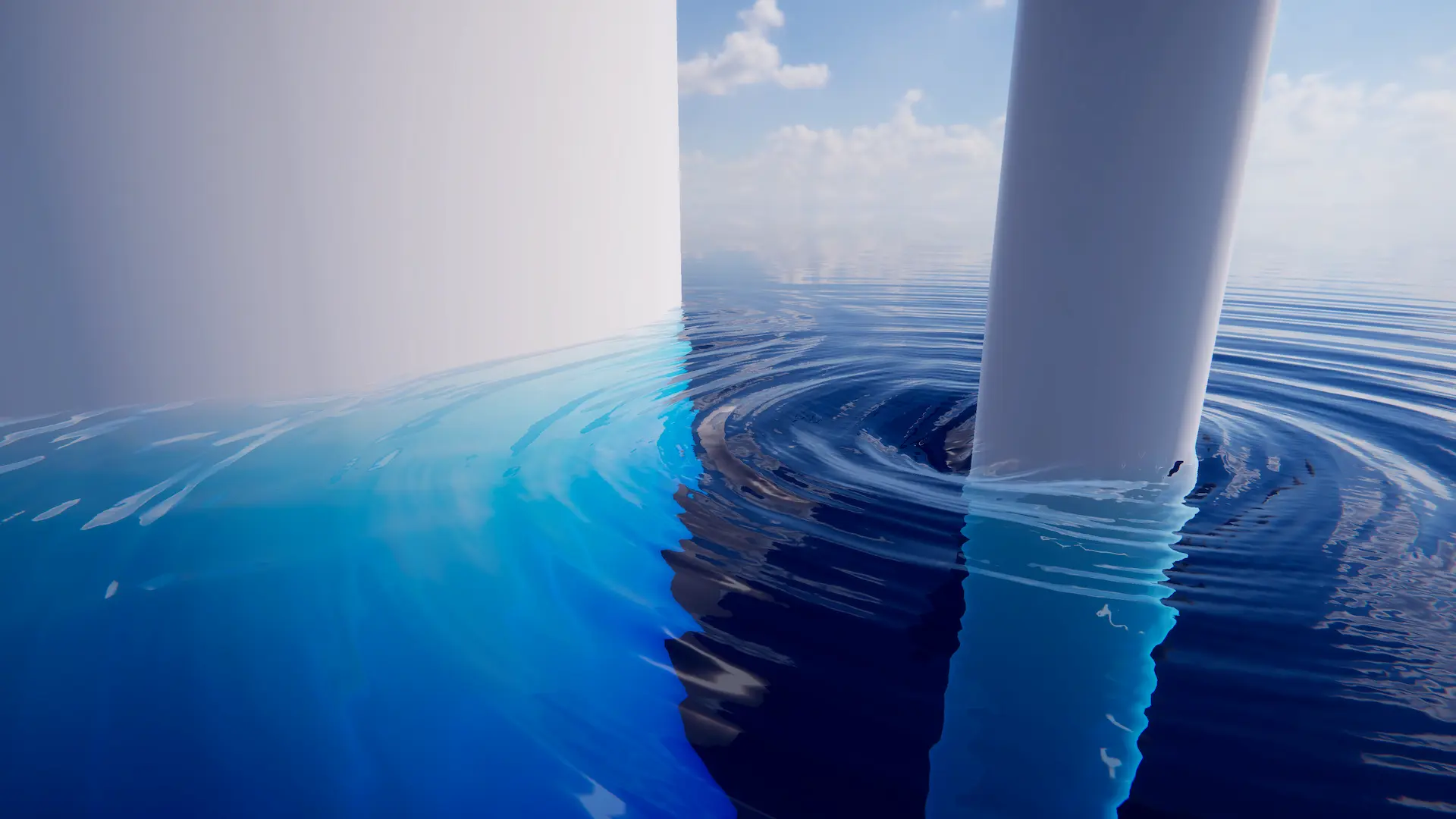
Registers a custom input to the DynamicWavesLod.
Attach this to objects that you want to influence the simulation, such as ripples etc.
Related: Dynamic Waves, Water Inputs
Properties
Mode |
The mode for this input. See the manual for more details about input modes. Use AddComponent(LodInputMode) to set the mode via scripting. The mode cannot be changed after creation. |
Renderer |
Attached ‘Renderer’ (mesh, particle or other) used to drive data. |
Weight |
Scales the input. |
Queue |
The order this input will render. Order is Queue plus SiblingIndex |
Follow Horizontal Wave Motion |
How this input responds to horizontal displacement. If false, data will not move horizontally with the waves. Has a small performance overhead when disabled. Only suitable for inputs of small size. |
Mode
Renderer
Attached ‘Renderer’ (mesh, particle or other) used to drive data.
Related: Renderer Mode
Renderer |
The renderer to use for this input. Can be anything that inherits from Renderer like MeshRenderer, TrailRenderer etc. |
Disable Renderer |
Forces the renderer to only render into the LOD data, and not to render in the scene as it normally would. |
Override Shader Pass |
Whether to set the shader pass manually. |
Shader Pass Index |
The shader pass to execute. Set to -1 to execute all passes. |
Check Shader Name |
Check that the shader applied to this object matches the input type. For example, an Animated Waves input object has an Animated Waves input shader. |
Check Shader Passes |
Check that the shader applied to this object has only a single pass, as only the first pass is executed for most inputs. |